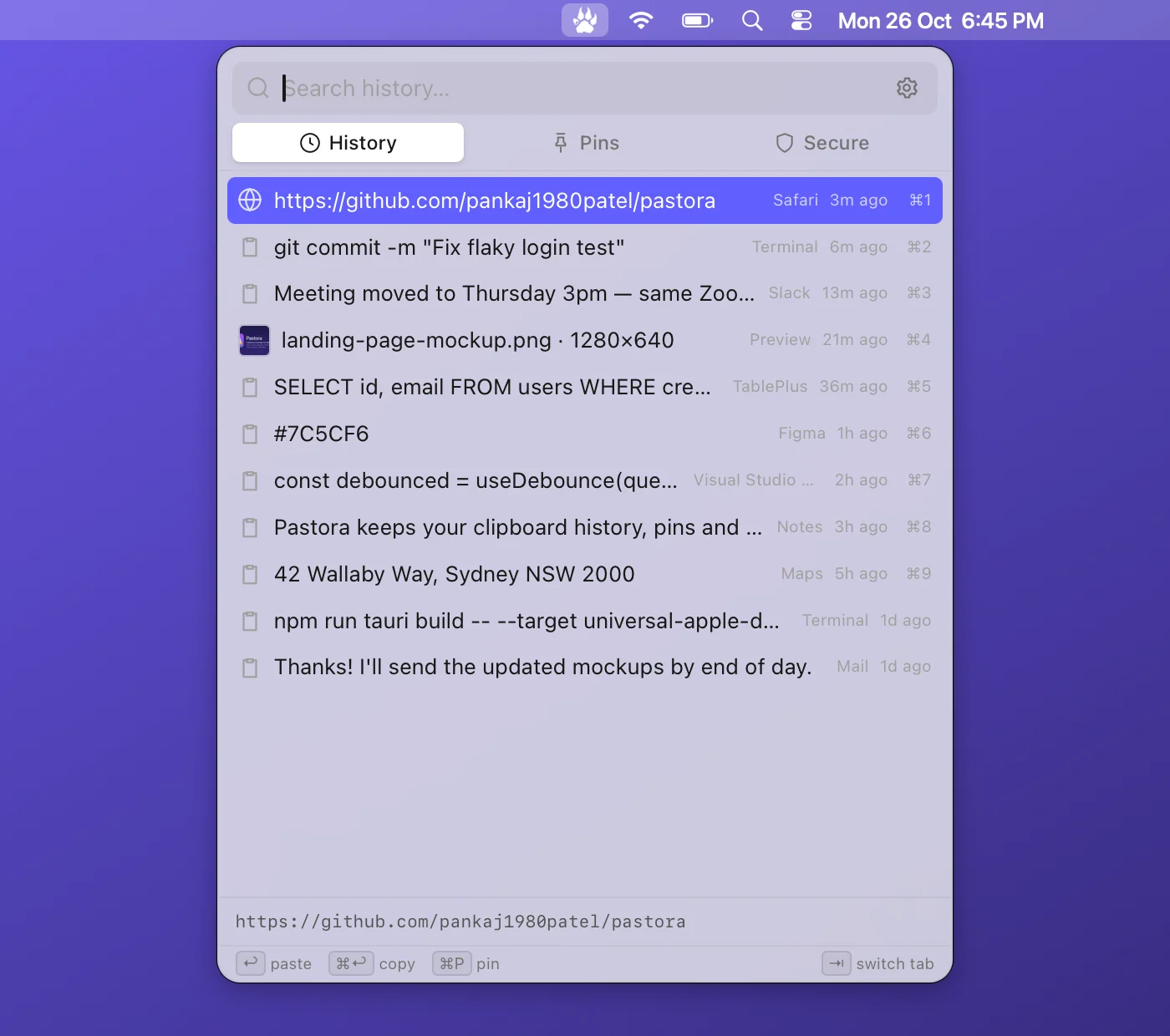
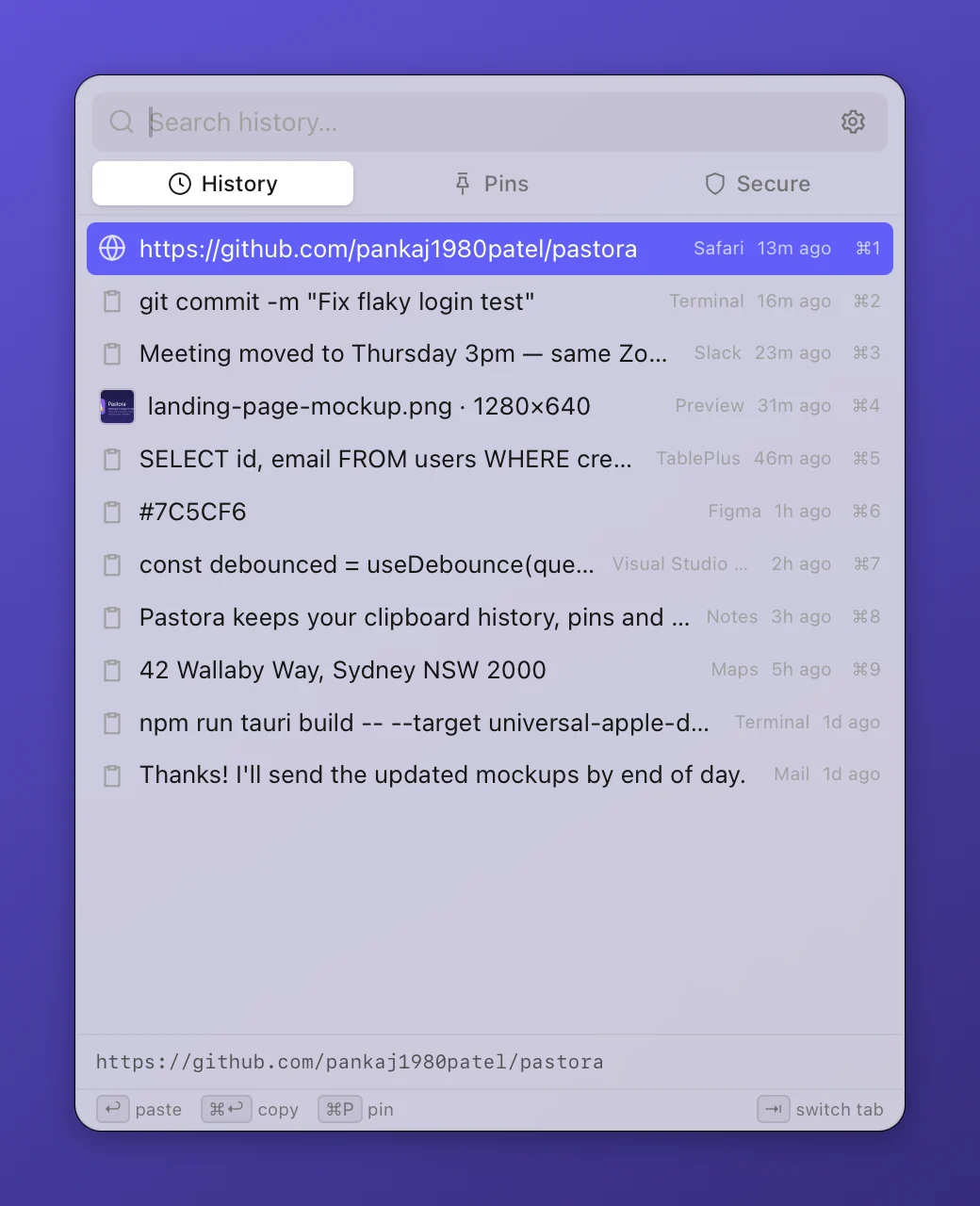
📋 Clipboard history
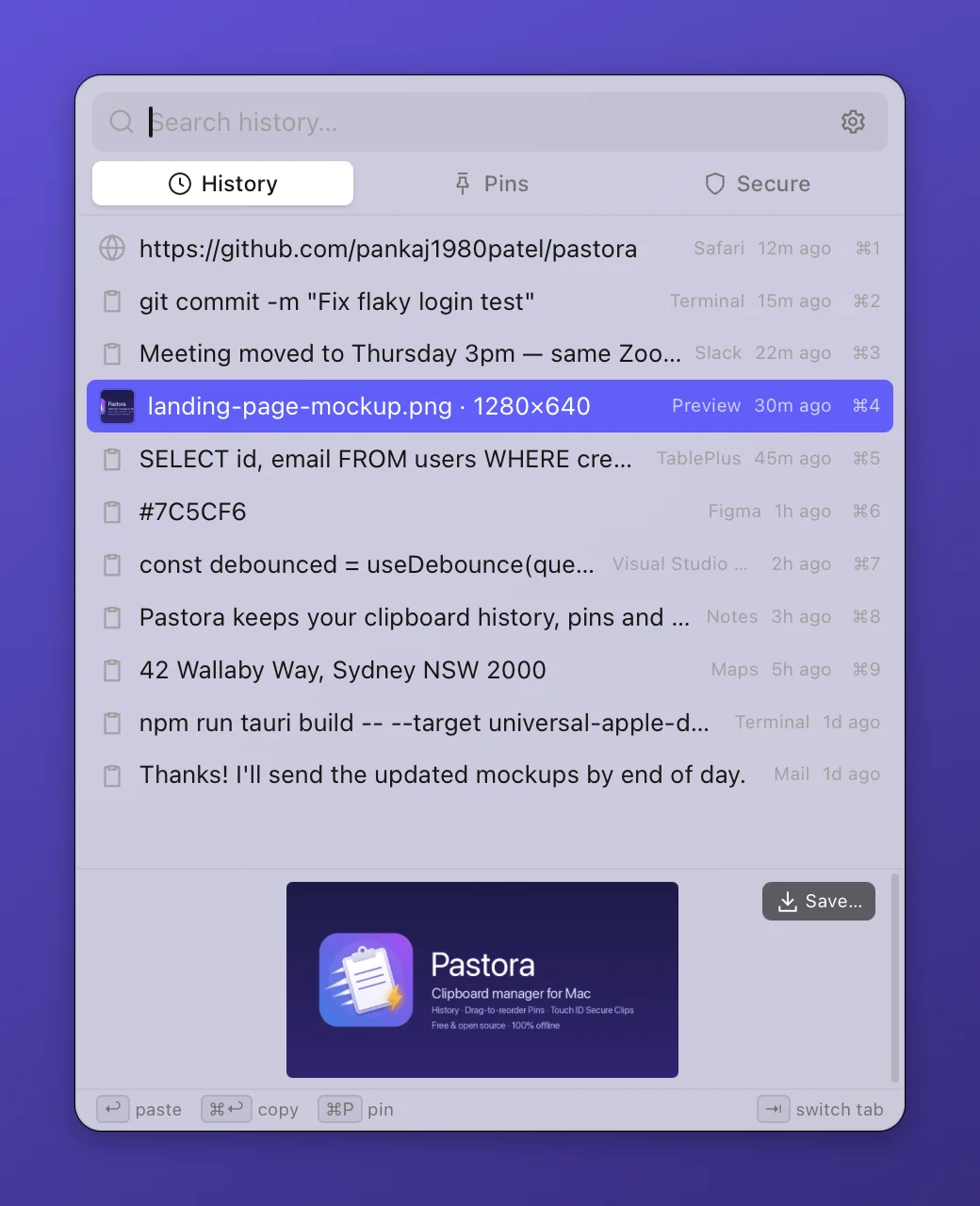
- Text, images, screenshots and files
- Instant search with ⌘⇧V
- Paste straight into the app you were using
- Keep 50 items or unlimited history
 Pastora
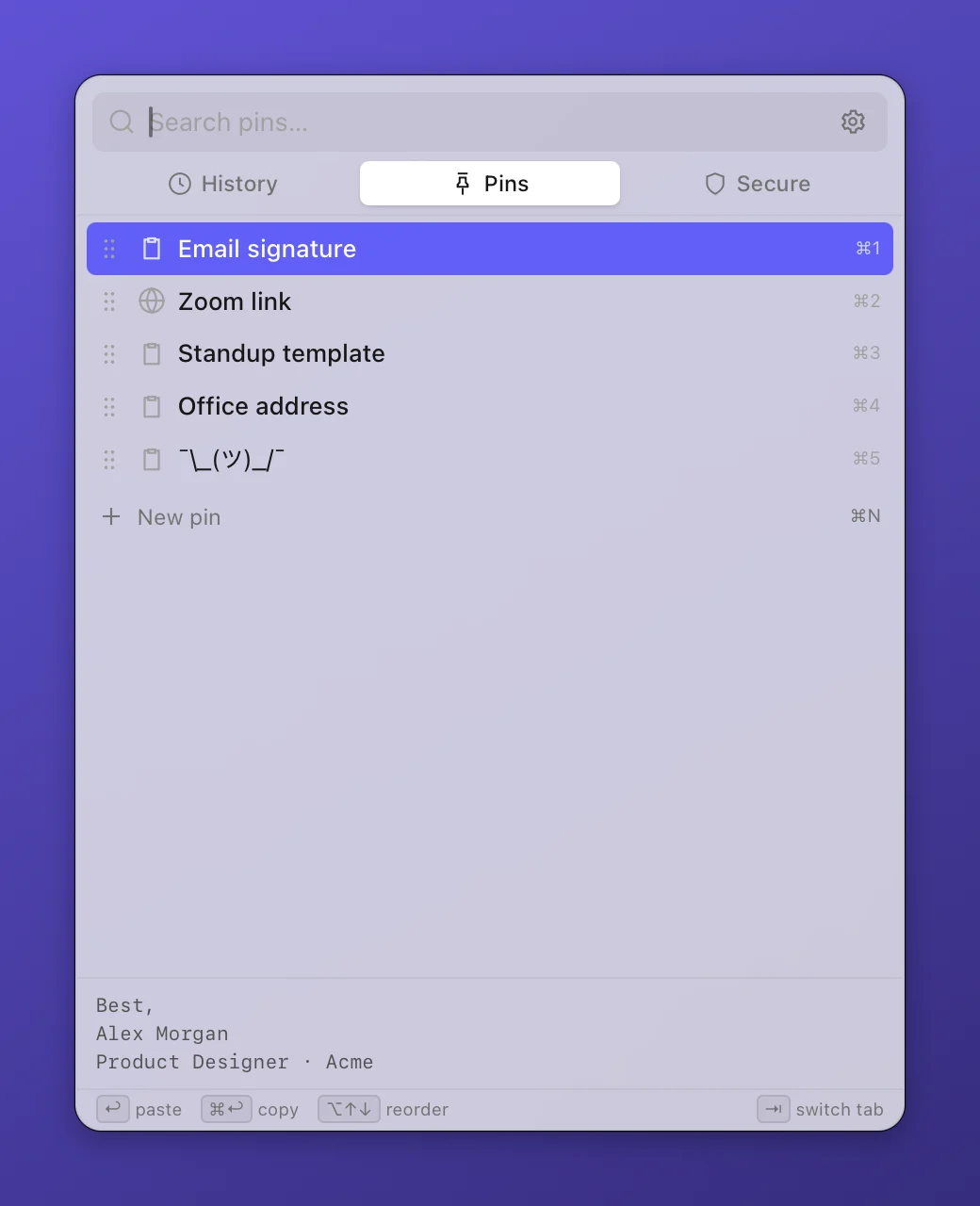
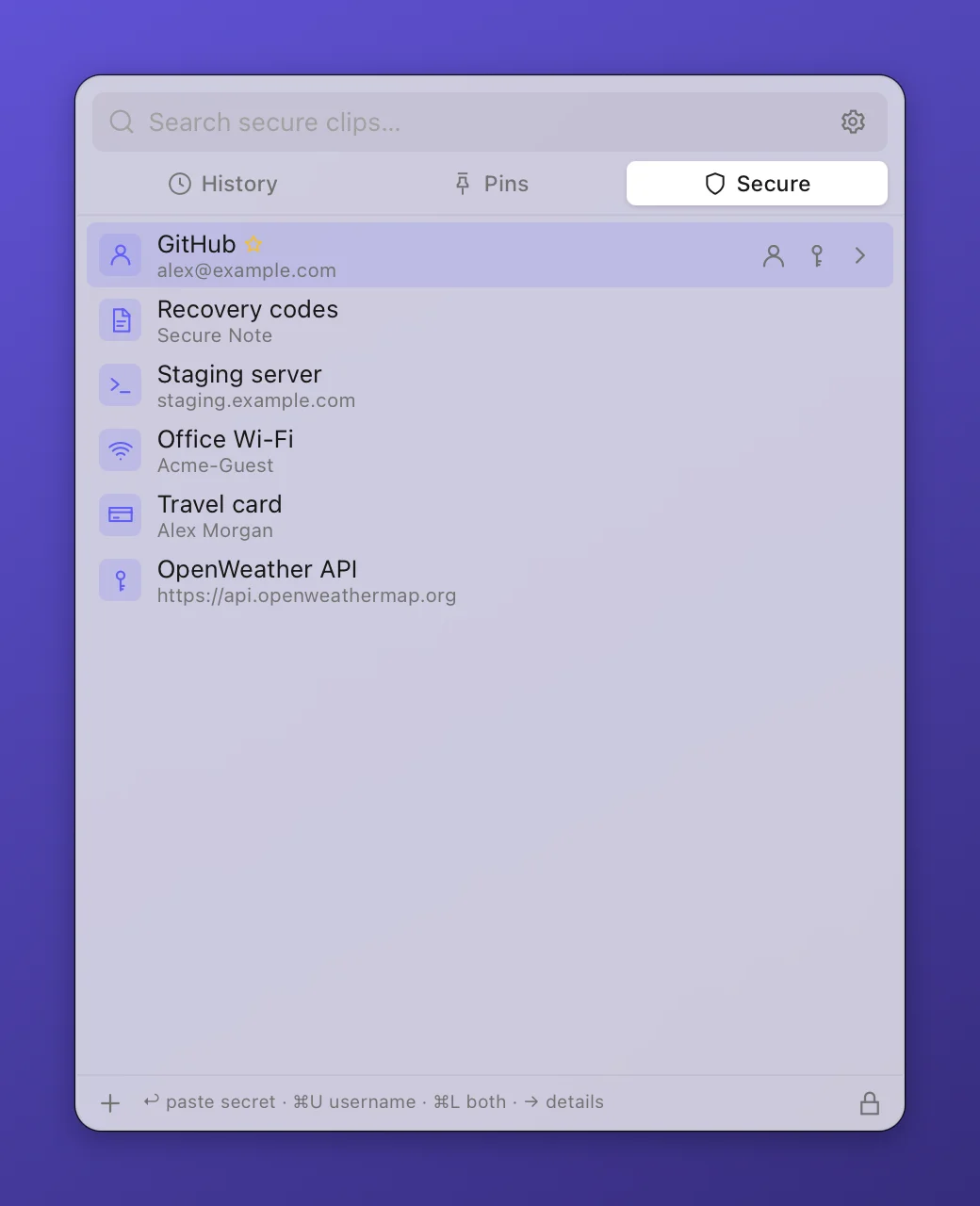
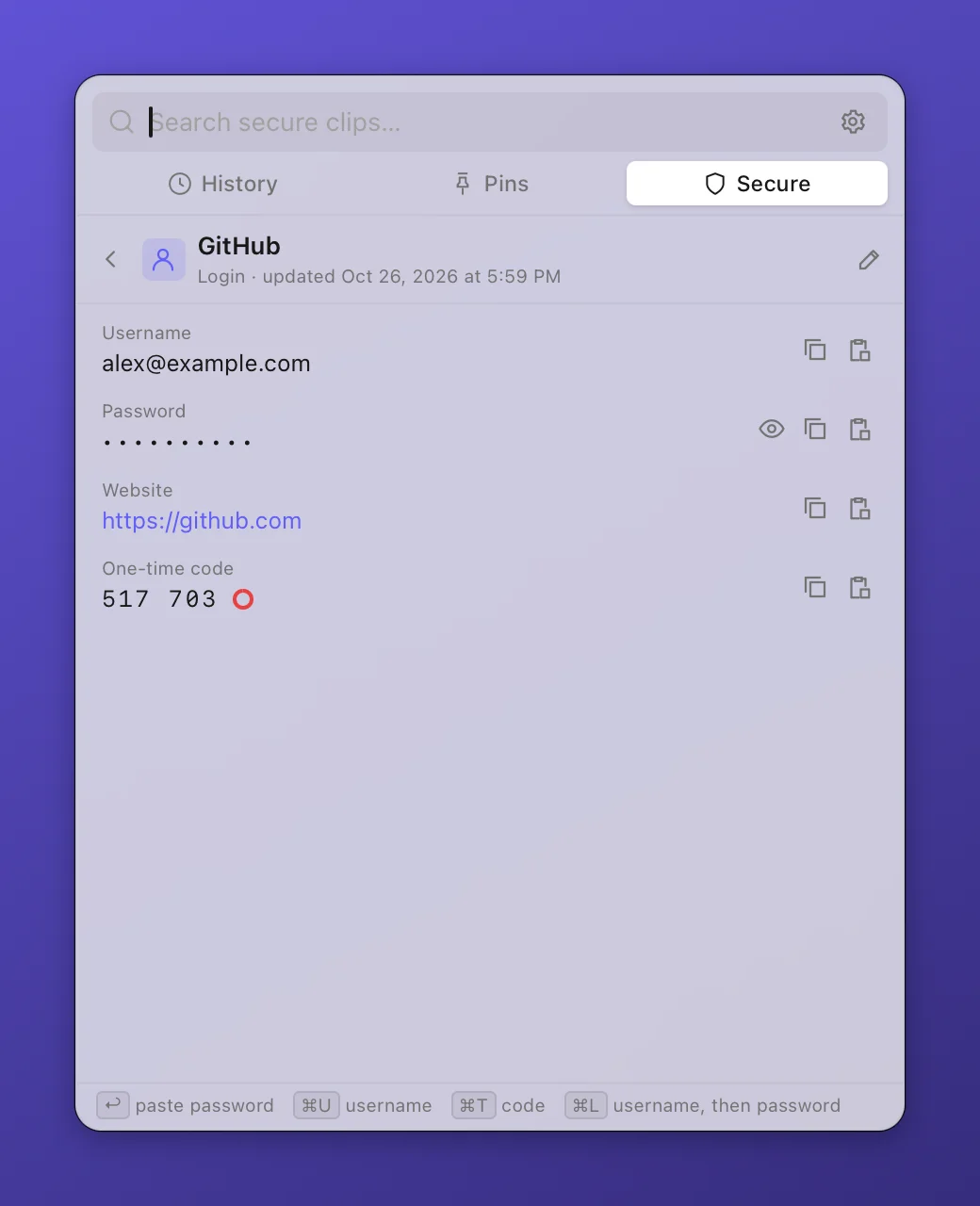
Pastora keeps your clipboard history, lets you pin and reorder the snippets you use every day, and stores passwords and API keys in an encrypted vault you unlock with Touch ID.
Download for Mac, Windows & Linux View source on GitHubFree & open source on GitHub: pankaj1980patel/pastora · macOS 11+ (Apple Silicon & Intel), Windows, Linux · works offline
| Encryption | XChaCha20-Poly1305 for every secure clip, titles included |
|---|---|
| Master password | Argon2id key derivation (64 MiB, 3 passes) |
| Touch ID | The vault key is stored in the macOS Keychain and released only after a fingerprint check |
| Clipboard safety | Copied secrets are marked concealed, kept off Universal Clipboard, and cleared after 30 seconds |
| Network | No accounts, no cloud, no telemetry. Only a daily update check on GitHub, which you can turn off |
Yes. Pastora is free and open source under the MIT license.
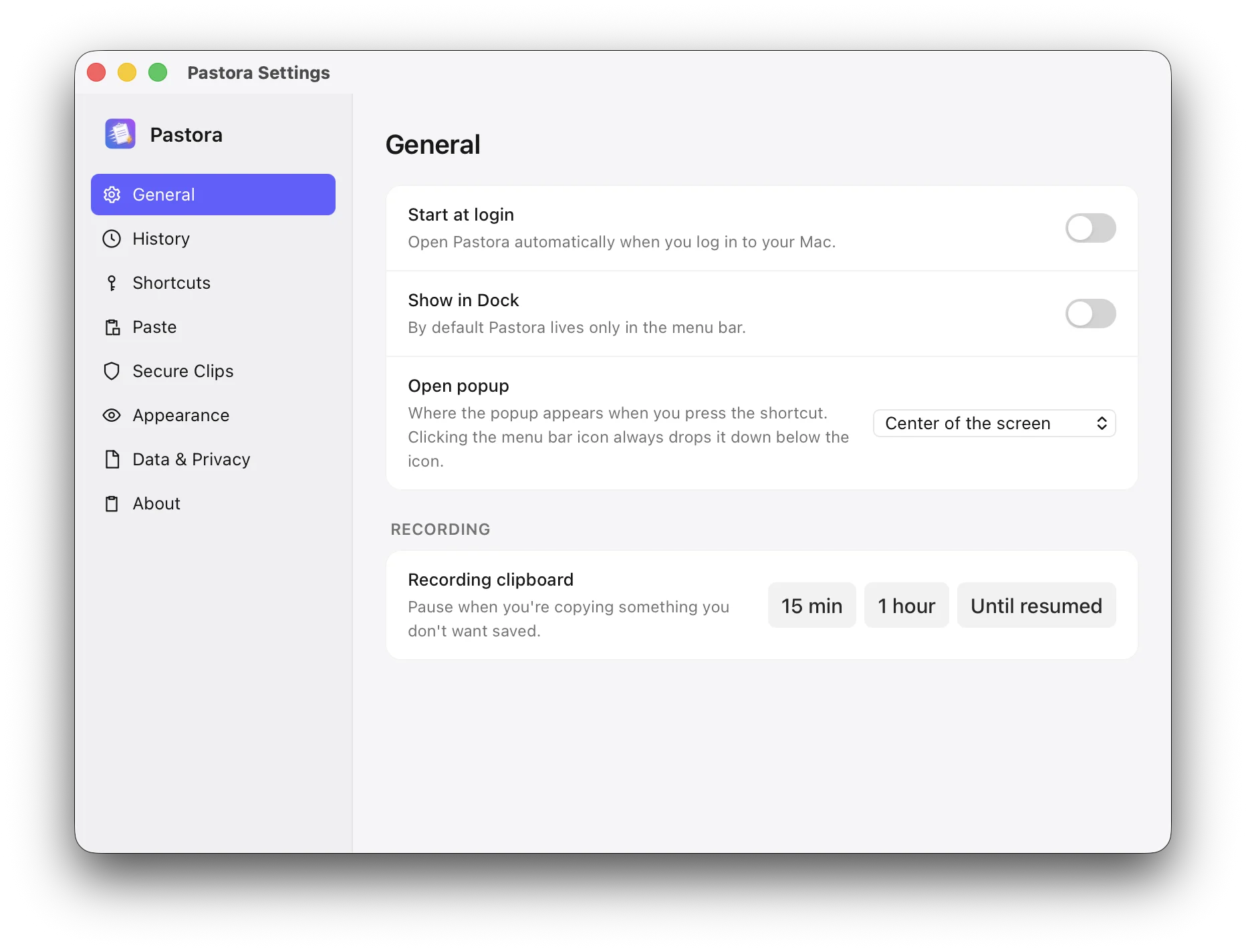
No. Your history, pins and secure clips are stored only on your computer. The only network request Pastora makes is a once-a-day check on GitHub for a new version, which you can turn off in Settings.
Each entry is encrypted with XChaCha20-Poly1305 using a vault key protected by your master password (Argon2id). You can unlock with Touch ID, and copied secrets are cleared from the clipboard automatically.
Yes. Drag pins up or down, or press ⌥↑ / ⌥↓.
Pastora combines clipboard history and pins with a Touch ID protected vault for credentials, so you don't need a separate app for the passwords and API keys you paste every day.
Yes. Windows (.exe / .msi) and Linux (.AppImage / .deb) builds are on the releases page, with clipboard history, pins, image clips, paste and Secure Clips with your master password. Fingerprint unlock is Mac-only for now.